












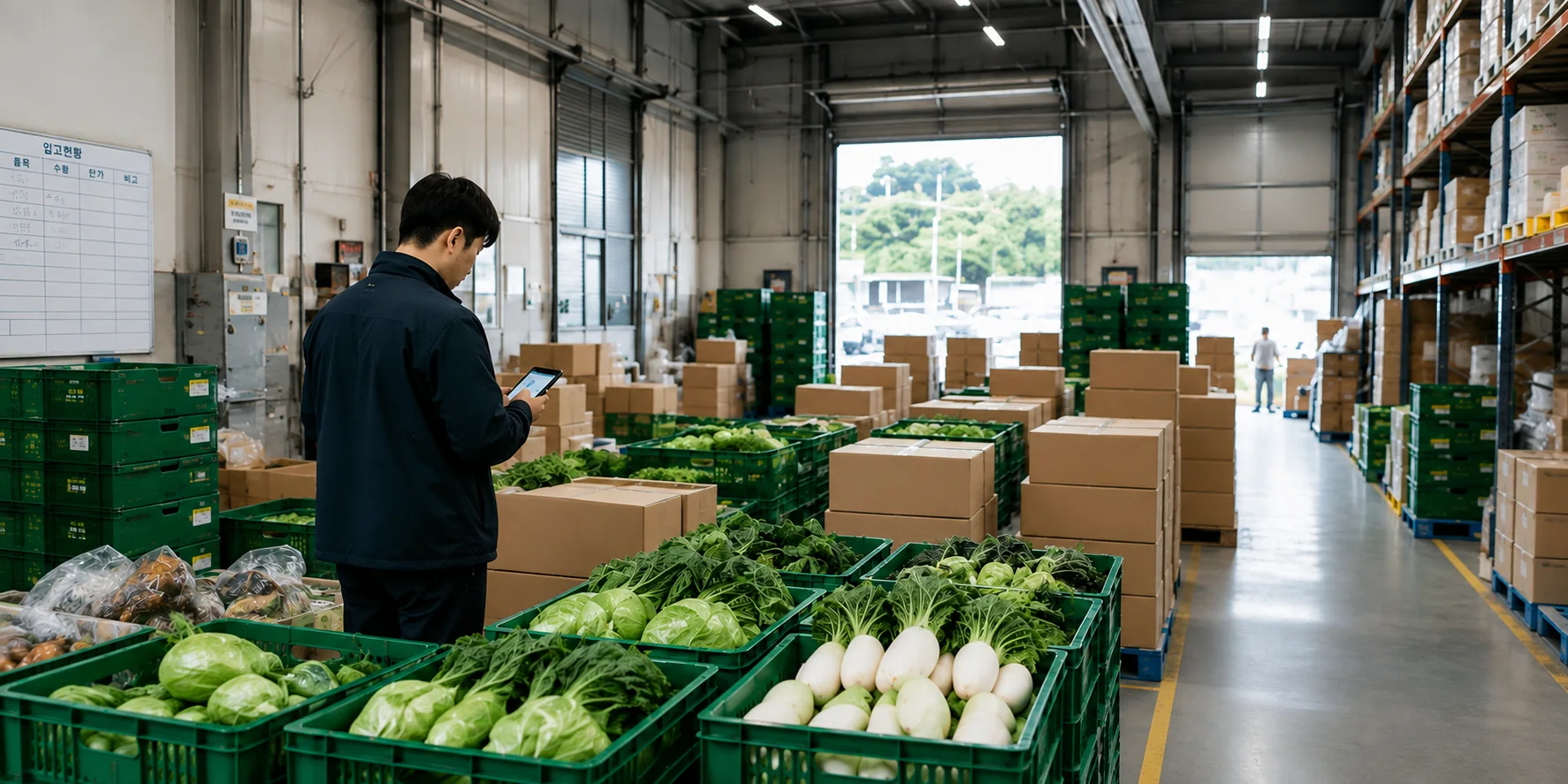
Hero for Logistics, from A to Z

Inventory done
where the work happens

Receive by the box and ship by the kilogram without losing track.
Handle it on your phone — no calculator required.

For teams that have outgrown a basic inventory app but do not need a heavy warehouse management system (WMS). Only what the floor needs: unit conversion, grades, loss, and processing.

  • Food processing
  • Seafood
  • Livestock
  • Agriculture and packing centers
  • Supplies and consumables
  • Building materials
  • Workshops and small operations
  • Stores and private warehouses
Where inventory apps stop

Why teams fall back to spreadsheets

Real inventory is more than a unit count. Units mix, stock splits by grade, and losses happen during work.

Select a card to see the details.

“It comes in by the box and goes out by the kilo. Punch it into a calculator and a digit slips.”

Receive in boxes, ship by weight

Set “1 box = 10 kg” once on the item. Receive in boxes, ship in kilograms, and the remaining stock still adds up.

Manage 5 kg and 10 kg boxes under the same item.

Enter 0.25 boxes or 1.5 kg as they are, recorded to two decimal places.

“Same product, a different price per grade. We ended up splitting it into three items.”

Grades managed under one item

Premium, A/B/C, Grade 1/2 — register the grade names your team already uses.

Check quantity and unit price by grade inside one item.

No duplicate item records to merge at month-end or hunt through later.

“Oldest first is the rule, but when it gets busy we load whatever is closest.”

Oldest stock first

Every receipt is recorded with its date.

Ship 300 kg and the oldest stock is drawn down first (first in, first out — FIFO), with any split across receipt dates recorded.

You can also pick a specific receipt to ship from.

“The system and the shelf disagree. Every month.”

Know where stock was lost

Sorting loss, trimming waste, spoilage, and disposal.

Receipts minus shipments does not always equal the stock on hand.

Losses are recorded separately, so you can see when, where, and why stock changed. Stocktake adjustments stay in the history.

“Materials in one book, finished goods in another. We write everything twice.”

From materials to finished goods

Record how quantities change through receiving, sorting, packing, and shipping.

Save the mixes you make often and reuse them.

Work out product cost from what you paid for the materials, compare it with the sales price, and see the profit — no separate spreadsheet.

“We write it once in the warehouse and type it again at the office.”

One phone, one hand

Inventory gets entered where the stock is, not at a desk with a PC.

The buttons you press most sit within thumb reach, with large text and a keypad you can read on the floor.

There is nothing to install. Open the address in your mobile browser and start.

Two modes

Simple or detailed

At first you see only items, receipts, and shipments. Turn on more in settings, and everything recorded so far carries over.

Simple Mode

Small warehouses, workshops, and businesses

  • Items, receipts, shipments, and stock on hand
  • Box ↔ kg conversion, two decimal places
  • Automatic oldest-first allocation
  • Revenue and profit from purchase and sales prices
Detail Mode

Midsize and larger distribution or processing teams

  • Everything in Simple Mode, plus
  • Quantity and unit price by grade
  • Sorting stages and loss records
  • Origin and lot traceability
  • Processing cost and margin reports
Time to get started

First receipt in five minutes

No long training. Three screens are all you need.

  1. Sign up about 1 minute

    Sign up with Kakao, Google, LINE, or email, then name your workspace.

  2. Add an item about 1 minute

    Set the item name and its unit. If you work in boxes, register “1 box = x kg” once.

  3. First receipt about 30 seconds

    Pick the item, enter “50 × 10 kg boxes,” and 500 kg appears alongside it.

Start where your stock is

No trip back to the office just to update inventory.